Are Job Search Browser Extensions Safe? A 2-Minute Check
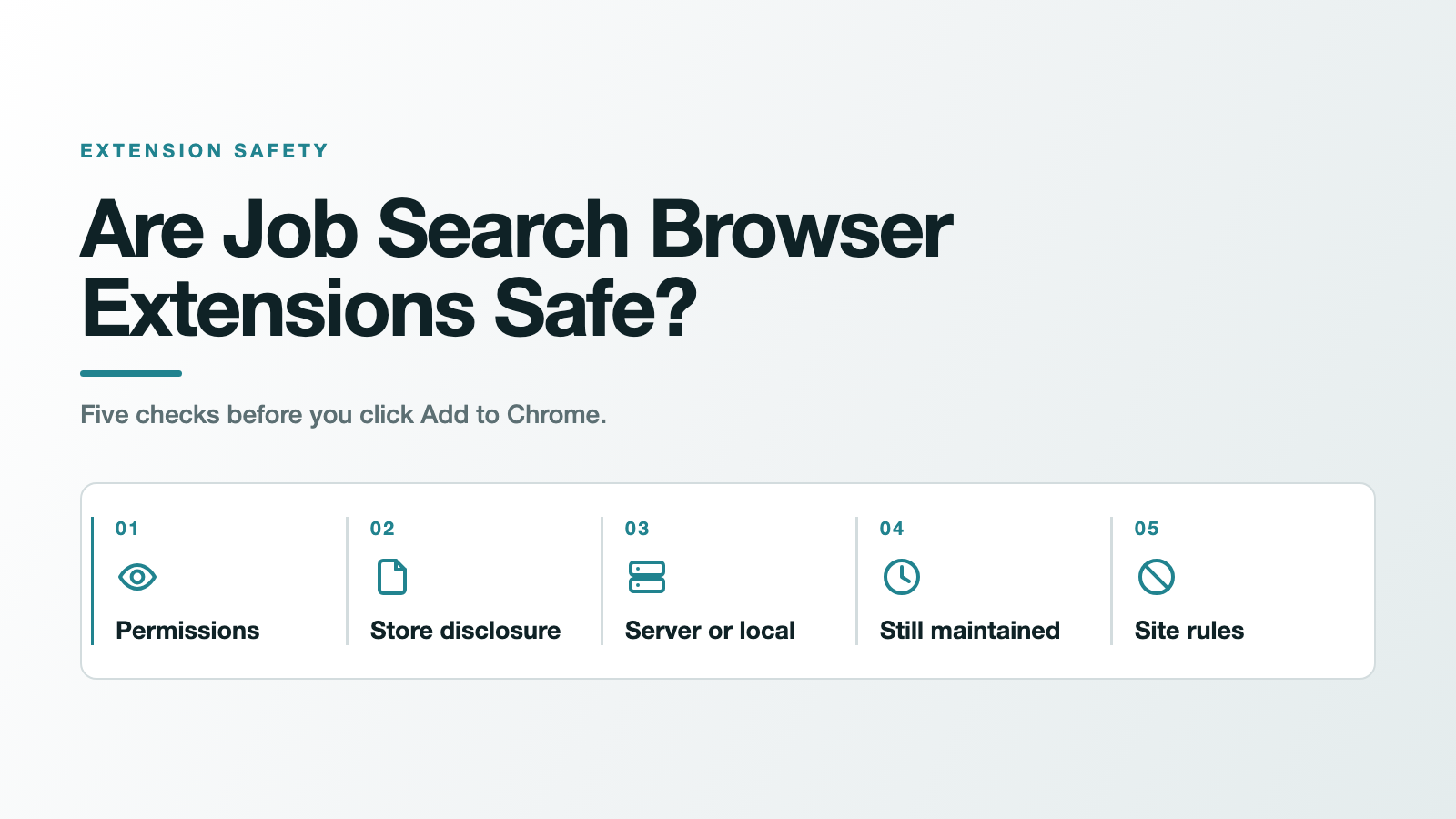
Plenty are fine. Some are not, and the advice you have probably read can't tell the two apart. Install from the Chrome Web Store and pick one with lots of users, the usual advice runs. It sounds sensible, and it fails on its own evidence: researchers counted 280 million people who installed malware-containing extensions from that store, and in December 2024 a security company's own extension, with roughly 400,000 users, was hijacked by an update that could exfiltrate authenticated sessions and cookies. So are job search browser extensions safe? The honest answer is that safety isn't a property of the category, it's a property of the one you're about to install, and you can check it yourself in about two minutes. Here's how, on any extension, including ours.
Are job search browser extensions safe? The short answer
Every roundup of job-search tools answers this question the same way, in one line near the bottom of the page: install from the official store, prefer high ratings and a big install count. Both halves of that are weaker than they sound.
The store half fails because the bad extensions were in the store. In a paper presented at ACM AsiaCCS 2024, Sheryl Hsu, Manda Tran and Aurore Fass measured what they call Security-Noteworthy Extensions, meaning ones that contain malware, violate policy, or carry known vulnerabilities. Their count: "over 346 million users installed at least one SNE in the last three years: 280M users installed malware-containing extensions, 63.3M policy-violating, and 2.9M vulnerable extensions." Those extensions were listed in the Chrome Web Store, which is exactly where the standard advice sends you.
The ratings half fails for a subtler reason. On 27 December 2024, TechCrunch reported that "the hackers compromised a company account to publish a malicious update to its Chrome extension in the early morning of December 25." The company was Cyberhaven, which sells data-loss prevention software. Its note to customers said "it is possible for sensitive information, including authenticated sessions and cookies, to be exfiltrated to the attacker's domain." At the time, per TechCrunch, "The Chrome Web Store shows the Cyberhaven extension has around 400,000 corporate customer users at the time of writing."
A security company, with hundreds of thousands of enterprise users. None of that helped, because the attack never required the developer to be dishonest. It required one compromised account and an auto-update.
That points at the definition worth keeping: an extension is safe for you when what it can technically reach is no more than what it needs to do the job you installed it for. Popularity is not a safety signal. Capability is. Everything below is a way of measuring capability.
Why job-search extensions deserve more care than most
A dark-mode toggle and a resume tool are not the same risk, even if both are "just an extension."
When you job hunt, you're logged in, and the pages you're on hold your employment history, your contact details, and often the resume you just uploaded. An extension with access to those pages sits exactly where the sensitive material is. Google's own policy language treats even the boring stuff as user data, defining it to include "Web browsing activity (which is any information about the websites or other web resources a user requests or interacts with, including the domains or URLs the browser interacts with)."
That isn't a reason to avoid extensions. It's a reason to spend two minutes on the ones you install.
The 2-minute audit: five checks before you click "Add to Chrome"
1. Read the permission warning, then compare it to the job
Chrome shows you a warning before it installs anything, and Google publishes what the tiers mean. The top tier is broad: "When the permission requires access to all data on your computer and the websites you visit, it means that the app or extension can access almost anything. This could be your webcam or personal files, inside or outside of your browser."
The useful split sits one level down, between two warnings that look similar and aren't. One reads "Your data on all the websites you visit gives access to read, request or modify data from every page you visit (bank account, Facebook)." The other reads "Your data on a list of websites gives access to read, request or modify data on pages you visit on a list of specified websites."
Every page you visit, or a named list. That single difference tells you more than any star rating.
Now compare it to the job. A tool that filters one site's job feed has no reason to read your banking pages. If the scope is wider than the task, that gap is the thing to ask about. Google is fair on this point and so should you be: "The warning doesn't mean the app is dangerous, just that it can be."
One detail people miss: some permissions get requested later, after install, and granting them is a one-way door. In Google's words, "When you allow optional permissions, you can't change them after."
2. Open the Privacy practices section on the store listing
Scroll the Chrome Web Store page past the screenshots. Every listing has to carry a data disclosure, because Google requires one: "Every item will need to provide these data collection disclosures and limited use certification in order to be updated or published."
What makes this check worth doing is the failure state, which is visible to you. If a developer skips it, the listing says so: "If you don't complete this section, then your extension will be displayed to users as not having provided this information."
Then apply Google's own test, which is a good test and costs you nothing to borrow: "Google evaluates whether the scope and sensitivity of the data collected is reasonably related to the extension's disclosed functionality or operational needs." If a feed filter is collecting your personal communications, that's disproportionate, and you don't need a security background to see it.
3. Ask whether it needs a server at all
This is the check almost nobody writes down, and it sorts the whole category in about five seconds.
Some extensions do their work on the page that's already open in your browser. Others have to send your information somewhere to be processed. That single distinction tells you what you're agreeing to.
| What the extension does | Does it need a server? | What leaves your device |
|---|---|---|
| Filters, hides or re-sorts what's already on the page | No | Nothing |
| Autofills forms from a profile you typed in | Not necessarily | Depends where the profile is stored |
| Tracks applications and syncs them across devices | Yes, syncing needs somewhere to sync to | Your application history |
| Scores or rewrites your resume, or applies on your behalf | Almost always, though on-device processing exists | Your resume and employment history |
None of these is wrong, and plenty of good tools live in the bottom two rows. A tracker that syncs across your laptop and phone has to keep your data somewhere; that's the feature. The point is that the answer should match the permissions. A tool that only needs to filter your LinkedIn job feed, yet asks to read your data on every site you visit, has failed its own test, and that mismatch is worth an email to the developer before you install.
4. Check whether anyone still maintains it
The same research team measured abandonment, and the numbers are worse than people assume. In their words, "60% of the extensions in the CWS have never been updated", CWS being the Chrome Web Store, and "a third of extensions use vulnerable library versions". Worst of all: "half of the extensions known to be vulnerable are still in the CWS and still vulnerable 2 years after disclosure".
The check is the last-updated date on the listing. An abandoned extension does not lose its permissions. It sits in your browser with the same access it always had, and nobody is fixing it.
5. Check the rules of the site it runs on
This one is specific to where you're working, and for job seekers that usually means LinkedIn. It gets its own section below, because the answer surprises people.
What Google's policy actually forbids (and what it can't promise)
Developers are bound by the Chrome Web Store's Limited Use policy, and it's stricter than people expect. Collecting your browsing activity is off the table by default: "Collection and use of web browsing activity is prohibited, except to the extent required for a user-facing feature described prominently in the Product's Chrome Web Store page and in the Product's user interface." Data has to stay tied to the job: "Limit your use of user data to providing or improving your single purpose".
Selling it is banned outright. "All other transfers, uses, or sale of user data is completely prohibited," including "Transferring or selling user data to third parties like advertising platforms, data brokers, or other information resellers."
Here's the honest qualifier. A policy is recourse, not a guarantee. It tells you what a developer is forbidden to do and what happens if they're caught. It tells you nothing about what the code on your machine is doing right now. Cyberhaven's attackers were breaking this policy, and the policy did not stop the update from installing.
What Manifest V3 fixed, and what it didn't
Chrome's current extension platform closed one real hole. Extensions can no longer pull code from a server at runtime; libraries have to ship inside the reviewed package, and Google's migration guide tells developers to bundle them instead, so that "you can download the minified files, add them to your project and import them locally."
That matters. An extension can't pass review as one thing and silently become another by swapping in new code later.
It did not make extensions private. Sending your data to a server is still allowed, still normal, and still how any tool that scores, tracks or rewrites has to work. Manifest V3 constrained code, not data. If someone tells you an extension is safe because it's on Manifest V3, they've answered a different question.
The LinkedIn question almost nobody answers
Search for job-search extension advice and you'll find nothing about this, which is strange, because it's the part with a documented consequence attached.
LinkedIn prohibits a class of them, and job-search extensions sit inside it. Its help page on prohibited software says the company doesn't allow "browser plug-ins, or browser extensions that scrape, modify the appearance of, or automate activity on LinkedIn's website." That page quotes Section 8.2 of the User Agreement, which prohibits members from "Overlay or otherwise modify the Services or their appearance (such as by inserting elements into the Services or removing, covering, or obscuring an advertisement included on the Services)".
The stated consequence is direct: "Any member who uses tools for such purposes is in violation of the User Agreement. This means that they risk having their accounts restricted or shut down." LinkedIn also warns that "They also risk the possibility that any prohibited tools they're using may become non-operational without notice."
Two things are worth saying plainly about how this plays out. LinkedIn's page on enforcement is written around automated activity in particular, and the remedy it describes is to "Review and disable the software or extension that automates activities", after which "Your account will then automatically be re-enabled at the time specified on the suspension notification." And the category is broad enough to cover software most people never think twice about, including ad blockers, which modify page appearance on every site they run on.
We're not going to tell you how to avoid being noticed, and we're not going to promise nothing will happen. It's a written rule with a stated penalty, it covers any extension that scrapes, modifies appearance or automates activity, and you should know it exists before you install one. That includes ours.
Where JobSieve lands on its own checklist
JobSieve is our extension, so treat this as a worked example rather than a recommendation, and check it yourself.
On the permission check, its manifest requests "permissions": ["storage", "activeTab"] with host access limited to "host_permissions": ["*://*.linkedin.com/jobs/*"]. That's the narrower of Google's two middle tiers, a named list rather than every site you visit, and it's scoped to LinkedIn's job pages rather than all of LinkedIn.
On the server check, it doesn't have one. Search the shipped v2.8.0 source for the ways code sends data out, fetch(, XMLHttpRequest, sendBeacon, WebSocket, and there are no hits. The only absolute web addresses in the whole package are an SVG namespace declaration and two links you can click, one to LinkedIn and one to JobMason. The manifest declares no web_accessible_resources and no externally_connectable. That's the basis for saying no data leaves your browser, and you don't have to take our word for it, because you can read every line of JobSieve's source on GitHub. It's MIT-licensed, free, with no account and no paid tier. Filtering happens on the page that's already loaded, which is why the bottom two rows of that table don't apply to it. It sets filters; it doesn't apply to jobs for you.
On the fifth check, it loses. JobSieve hides job cards, and hiding job cards modifies the appearance of LinkedIn's pages. Its option to hide promoted jobs on LinkedIn sits close to the example LinkedIn's own policy gives, about obscuring an advertisement. We think a local display filter that never touches LinkedIn's servers is a different thing from a scraper or a bot, and we'd rather you heard that from us than discovered it later. It's your account and your call.
If you decide the trade is worth it, the same filters let you exclude specific companies from your search and drop roles in the wrong location.
Frequently asked questions
Are job search Chrome extensions safe to use? Some are and some aren't, and popularity plus a Web Store listing doesn't establish which is which. Check the permission scope against what the tool actually does, read the Privacy practices disclosure on the listing, and ask whether it needs to send your data anywhere. Those three answers tell you more than any review count.
What permissions should a job search extension actually need? As few as its job requires. A tool that works on one site should ask for that site, which Chrome describes as "Your data on a list of websites", not "Your data on all the websites you visit". Broad access isn't proof of bad intent, but it's worth a question.
Can a browser extension read my resume? If it has access to the page where your resume is displayed or uploaded, yes. That's what host permissions mean. Whether it sends that anywhere depends on the extension, which is why the server question in check three matters more than it looks.
Will using a browser extension get my LinkedIn account restricted? It's possible. LinkedIn's User Agreement prohibits third-party extensions that scrape, modify the appearance of, or automate activity on the site, and says members who use them "risk having their accounts restricted or shut down." Its published enforcement guidance focuses on automated activity. Nobody outside LinkedIn can give you a firm probability, so treat it as a known risk you're choosing to take.
How can I tell if an extension is still maintained? Look at the last-updated date on its Chrome Web Store listing, and if it's open source, at the repository's recent activity. This matters more than it sounds: researchers found 60% of extensions in the store have never been updated, and half of those known to be vulnerable were still vulnerable two years after disclosure.
Are free extensions less trustworthy than paid ones? Price isn't the variable; the business model is. Ask how the thing is funded. An extension with no revenue model and broad data access is worth more scrutiny than a paid one with narrow permissions. JobSieve is free with no paid tier and no ads, which is answerable by reading its source.
The habit worth keeping
So, are job search browser extensions safe? Safe enough, when you can answer one question about them. You don't need to audit every tool you'll ever install. You need that question ready at the moment you're about to click Add to Chrome: can this thing reach more than it needs to do its job? If the answer is yes, find out why before you install, not after.
If you want a filter that works this way on LinkedIn, JobSieve on the Chrome Web Store is free and open source, and the same approach helps you cut irrelevant job alerts once your feed is quieter. When a role is worth applying to, JobMason turns a posting into a tailored application as the paid next step.
Frequently asked questions
- Are job search Chrome extensions safe to use?
- Some are and some aren't, and popularity plus a Web Store listing doesn't establish which is which. Check the permission scope against what the tool actually does, read the Privacy practices disclosure on the listing, and ask whether it needs to send your data anywhere. Those three answers tell you more than any review count.
- What permissions should a job search extension actually need?
- As few as its job requires. A tool that works on one site should ask for that site, which Chrome describes as your data on a list of websites, rather than your data on all the websites you visit. Broad access is not proof of bad intent, but it is worth a question.
- Can a browser extension read my resume?
- If it has access to the page where your resume is displayed or uploaded, yes. That is what host permissions mean. Whether it sends that anywhere depends on the extension, which is why asking whether the tool needs a server matters more than it looks.
- Will using a browser extension get my LinkedIn account restricted?
- It is possible. LinkedIn's User Agreement prohibits third-party extensions that scrape, modify the appearance of, or automate activity on the site, and says members who use them risk having their accounts restricted or shut down. Its published enforcement guidance focuses on automated activity. Nobody outside LinkedIn can give you a firm probability, so treat it as a known risk you are choosing to take.
- How can I tell if an extension is still maintained?
- Look at the last-updated date on its Chrome Web Store listing, and if it is open source, at the repository's recent activity. Researchers found 60% of extensions in the store have never been updated, and half of those known to be vulnerable were still vulnerable two years after disclosure.
- Are free extensions less trustworthy than paid ones?
- Price is not the variable; the business model is. Ask how the tool is funded. An extension with no revenue model and broad data access is worth more scrutiny than a paid one with narrow permissions. JobSieve is free with no paid tier and no ads, which you can confirm by reading its source.
Sources
- Google publishes permission warning tiers, distinguishing your data on all the websites you visit from your data on a list of websites, and states that optional permissions cannot be changed once allowed.
- Every Chrome Web Store item must provide data collection disclosures and limited use certification to be published or updated; Google evaluates whether the scope and sensitivity of data collected is reasonably related to the extension's disclosed functionality.
- The Limited Use policy prohibits collection of web browsing activity except for a prominently disclosed user-facing feature, and completely prohibits selling user data to advertising platforms, data brokers or other information resellers.
- Hsu, Tran and Fass (ACM AsiaCCS 2024) found over 346 million users installed at least one Security-Noteworthy Extension in three years, including 280M who installed malware-containing extensions; 60% of extensions have never been updated, and half of those known to be vulnerable remained vulnerable two years after disclosure.
- Attackers compromised a company account to publish a malicious update to security company Cyberhaven's Chrome extension on 25 December 2024; the extension had around 400,000 corporate customer users, and authenticated sessions and cookies could be exfiltrated.
- Manifest V3 bars remotely hosted code and directs developers to bundle libraries into the extension package, which constrains code but not the sending of user data.
- LinkedIn does not permit third-party browser extensions that scrape, modify the appearance of, or automate activity on its website, and states that members using such tools risk having their accounts restricted or shut down.
- LinkedIn's guidance for accounts restricted for automated activity is to review and disable the software or extension that automates activities, after which the account is re-enabled at the time specified on the suspension notification.
- JobSieve v2.8.0 declares only the storage and activeTab permissions with host access limited to LinkedIn job pages, contains no data-sending APIs, and declares no web_accessible_resources or externally_connectable.